

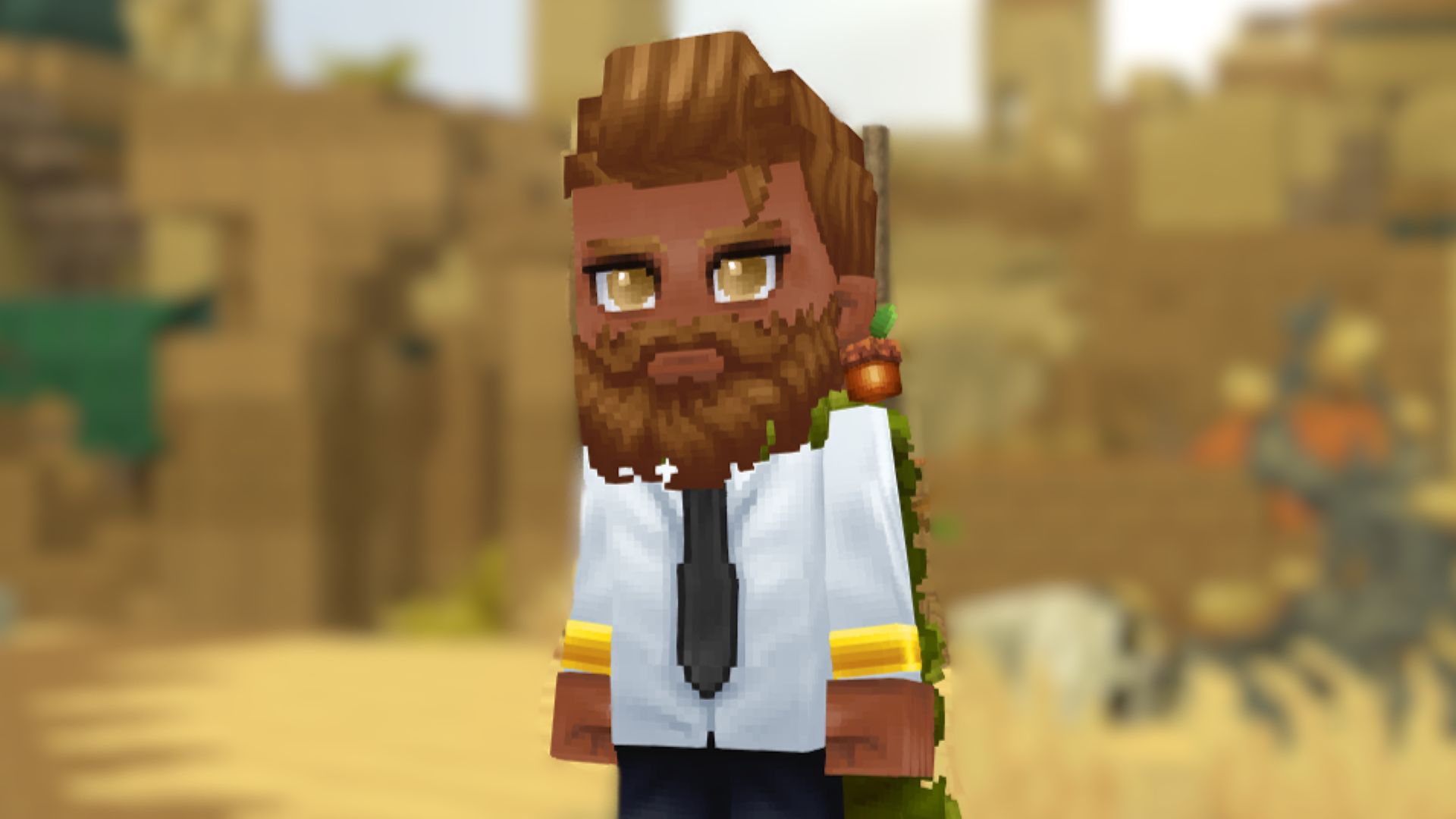
How do you customize your Hytale skins? Whether you want your blocky character to be a representation of yourself, how you looked back when the game was first announced seven years ago, or how you wish you looked now, you have the option to tweak almost every aspect of your skin in Hytale. You just need to know where to look.
Hytale wears its Minecraft inspiration for all to see, but it uses an updated style that makes tailoring an avatar to suit your style a breeze. The 64x tiled art style of Hytale isn’t for everyone. That’s what one of the first Hytale mods looks to scale back to a 32x style that sits somewhere between the old Minecraft look and the newer Hytale aesthetic. But before you go fiddling with things, try the basic Hytale character customization menu first. You might find a design you like.
How to customize your character in Hytale
Out of the gate, you’re assigned a default Hytale skin. In our case, it was an adorable female-presenting adventurer with curly hair. Now, if that represents you – that’s great. You’re good to go. But Hytale doesn’t prompt you to create your own character before you jump in. So you’ll need to go back to the main menu to make your own Hytale character.
If you’ve already set out on your grand adventure, burying your fists into tree trunks for wood, blocks for stones, and wild animals for vital sustenance, don’t worry: making a new Hytale character doesn’t mean starting fresh.
Just hit ESC and return to the main menu. Autosave will work its magic, and you’ll be sent back to where you need to be. Select My Avatar from the main menu to jump straight into tweaking how you look.

Can you change genders in Hytale?
You don’t change gender in Hytale at all. There’s no male or female option in Hytale, nor a boy or girl body type to select. Instead, you simply choose how to style your avatar, whether that’s with more traditionally male-oriented clothes and body features or more female-focused attire.
Naturally, that means these features aren’t separated when making a Hytale character, either. You’ll have to scroll through the wider variety of hairstyles to find what you’re looking for.
While the clothing options are fairly limited, you’ll find plenty of trousers, jeans, shorts, skirts, and dresses in the clothing section. Any full armor sets you chuck on as you journey around Hytale will obviously hide these, but it’s nice to have a more personal style underneath your more battle-ready garb.

How do you change skin color in Hytale?
To change the color of your skin in Hytale, hop into the My Avatar screen from the main menu.
Select the second tab down (Body), and then the second sub-tab that appears to the right. This takes you to the Body Characteristics tab. Here, not only are you able to change between the default and muscular body styles, but you’ll see over three dozen color options below that you can use to change your skin tone in Hytale.

How do I get my Hyale pre-order capes?
If you’re looking for your Hytale pre-order bonuses from the Standard, Supporter, and Cursebreaker editions – like the New Beginning and Blazen Wizard Cape – you’ll find these ready to redeem in the final tab on the character customization screen. You can even change the color and toggle the neck and shoulder decor, too.
And that’s how you change your gender, skin tone, and avatar clothes in Hytale for early access. Not feeling Hytale? Take a look at our list of the best crafting games around. There’s no shortage of them.
Hytale,Hypixel StudiosHytale,Hypixel Studios,Indie#Hytale #skins #customize #character #change #gender1768351351
