

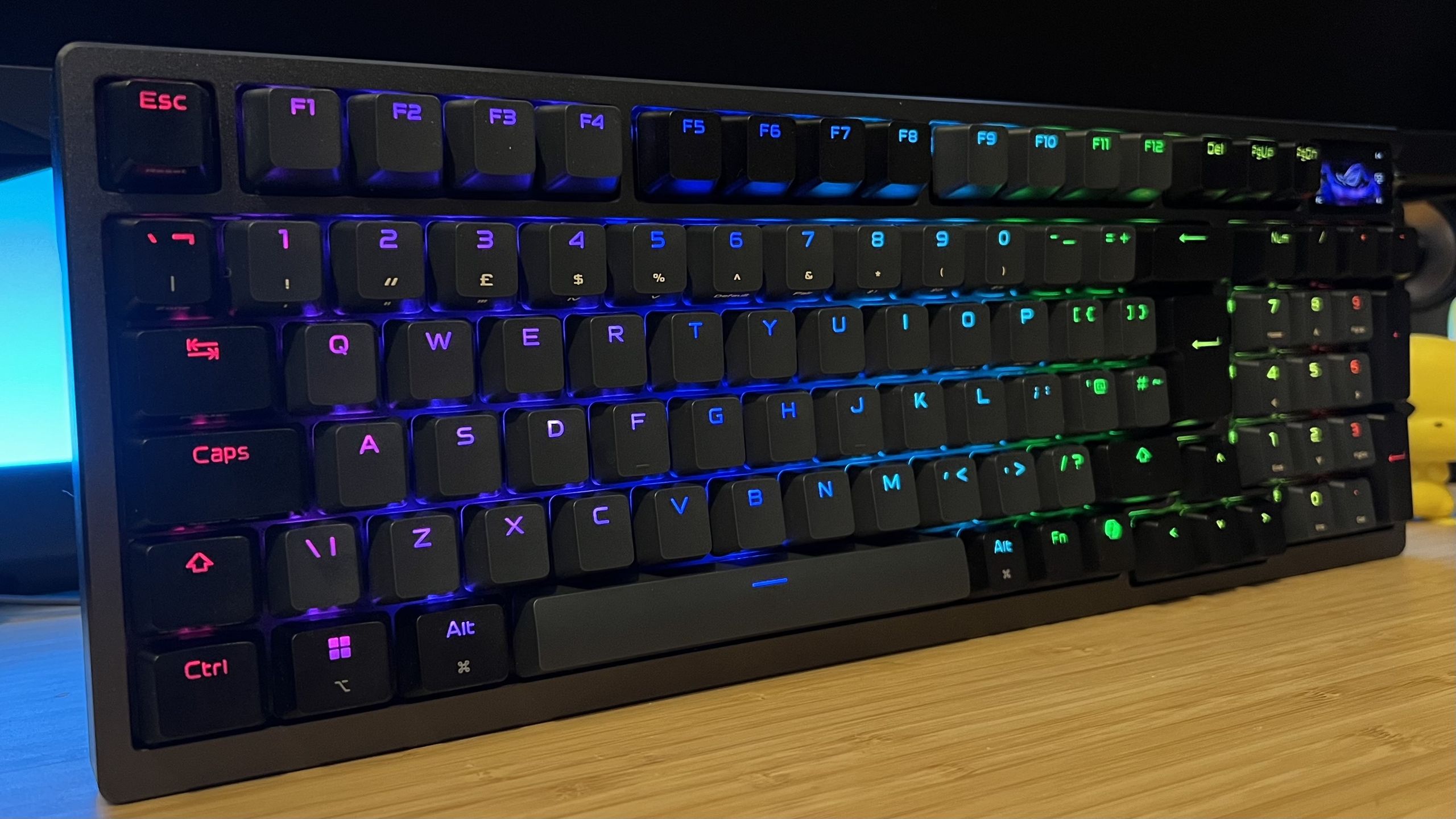
Three years ago I sat in front of the Asus ROG Azoth and knew it was going to be a winner. That mechanical 75%-er so perfectly fused the worlds of custom decks and the best gaming keyboards it seemed like nothing would ever top it. And, for a long time, nothing did.
In the years since, Asus has released new versions with ever-increasing price tags, adding white colorways, new switches, wrist rests, and strange space-themed designs. None of them truly captured that hazy summer of love with the original… until I sat across from the latest release this weekend. The Asus ROG Azoth 96 HE takes the best parts of its ancestor, adds extra keys, and throws in some of the best magnetic switches I’ve used so far.
Let’s look at that $305.99 sales price under the microscope a little.
The Asus ROG Azoth 96 HE’s closest competition is the Corsair Vanguard Pro 96. That’s currently got pole position on my gaming keyboard recommendation list. It’s a wired-only, plastic chassis device that doesn’t push its OLED display quite as far as the Azoth, but it’s also $76 cheaper right now, at its usual $229.99 MSRP (Amazon).
Is the extra investment worth it? It depends.
In short, you’ll reap the benefits if you need three things from your new keyboard; a hardworking onboard display, a wireless connection, and a more premium chassis.

I’ve only had the Asus ROG Azoth 96 HE on the desk for a few days now, whereas I’ve spent weeks with the Vanguard in prime position. Side by side, the Azoth does feel a little tighter under the fingertips. It uses the same ROG HFX V2 switches that I celebrated in my Asus ROG Falcata review (an even more expensive deck), aka the best magnetic clickers I’ve personally tested so far.
They’re smooth, snappy, incredibly energetic and offer a satisfying level of resistance without ever feeling mushy or woolly. If you told me they were mechanical, I’d probably believe you, and considering the original Azoth shone for its typing experienc,e that’s saying something.
The now-full-color OLED display in the top right corner is also far more versatile than Corsair’s. Real system specs, magnetic switch adjustment controls, and a plethora of media and RGB controls make this a far more sophisticated tool overall.

If you don’t need a wireless connection (and very few players actually do), don’t mind a still-durable plastic shell, and won’t be using that OLED display too much, it makes sense to take the saving and opt for the Vanguard. Its MGX V2 switches are still incredibly impressive (second only to Asus’s) with a truly satisfying thock to each keypress. Plus, you’ll get the added benefit of five extra macro buttons down the side as well.
Want more cord-free options? I’m also rounding more of the best wireless gaming keyboards, or take a look at the best hot-swappable keyboards for more versatility and the best membrane gaming keyboards for lower prices.
Gaming Keyboards,PC Gaming,Hardware,Peripherals,Platforms#spent #weekend #gaming #keyboard #broke #heart #it039s #free #copy #Resident #Evil #Requiem #running #straight #arms1772469822
