

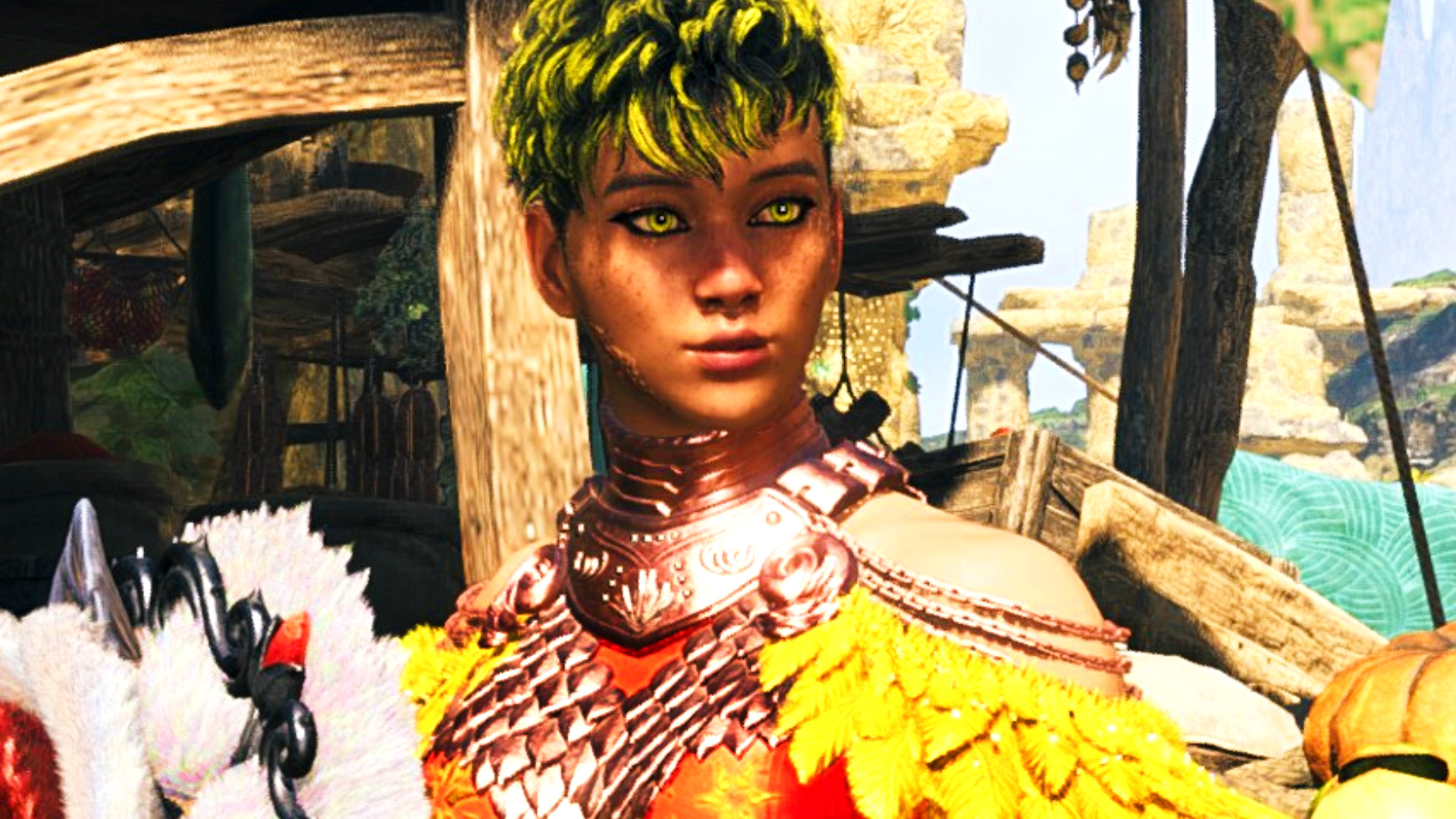
Capcom’s big performance-driven Monster Hunter Wilds update is here, and early signs are actually better than I expected. We’re just a month away from the Capcom RPG’s one-year anniversary, and with all of the planned post-launch creature rollouts now live, the next big question is when the almost-inevitable ‘Master Rank’ expansion will rear its head. Yet for many, myself included, framerate drops, inconsistencies, and stuttering have continued to put a dampener on what is otherwise Monster Hunter’s strongest-ever base game experience. The good news is that the new Wilds patch appears to actually be working, and it feels like a light at the end of the tunnel.
The new Monster Hunter Wilds Steam patch notes place a focus on reducing CPU and GPU load. That includes reduced shader warming processes (which could cause a performance hit during the early minutes of a session) and improved texture streaming. Eleven months on, however, I was wondering whether we’d actually see anything notable. Then I booted it up, and it… just worked? Mostly, at least. I’ll start by saying that it’s still not a complete ‘problem solved,’ but the improvement for my rig is immediately noticeable, even without waiting around for shaders to cook in the background.
Everyone’s setup will be different, but I’m running the combination of a Ryzen 5 5600x, RTX 3080, and 32GB of RAM. Fighting a Chatacabra, everyone’s favorite training monster, I was seeing a framerate that sat pretty much solidly in the 55- to 60 mark. For comparison, while I often would see framerates in the 50s beforehand, it was pretty common to see them plummet down into the 40s and on occasion even into the 30s. While that’s still smoother than Monster Hunter World ran when it first hit PC, the inconsistency was the biggest frustration, and that certainly feels a lot better.

What about something a little more taxing? I leapt into the Omega Planetes battle with a squad of three NPC support hunters to get things feeling busy, and was shocked to see my average framerate climb up into the 70s and hold there at the start – numbers I’d almost forgotten existed. With the more involved sections later on, it did come back down again and sat mostly in the 45 to 60 range, but again I saw much more consistency across the board. It’s the sheer leaps up and down that are always the most noticeable, so that’s a great help.
Of course, every setup will see different results. The general early consensus on the Wilds Reddit page does feel largely positive, however. While the peak framerates for many aren’t notably higher, the ‘1% low’ stat is a lot better, again indicating a more fluid and consistent experience. If you already had a hefty enough build to run the game relatively well, it’s unlikely you’ll see your top-end framerate go up much, but many players report less hitching and stuttering from initial tests.
“The actual game feels smooth,” user ‘knewknow’ (5800x3D, RTX 50080) writes, “and while I was expecting Capcom to release a bunch of new CPU/GPU settings just to make the game look worse to get more performance, I am pleasantly surprised at how much better it runs in all sections I’ve tested so far.” The mid-range build of ‘kuroi-taiga’ (5600x, RX 6700XT) was “not smooth 60 but the lows aren’t bad, lowest I saw was 45,” and they say they “no longer feel the need to use frame generation.”
There’s even promising news for handheld players. “I’ve owned a Steam Deck since launch and I’ve never seen a more drastic performance update before,” ‘issun_the_poncle’ writes, while ‘vaughn22’ adds, “Llagi hunt went well. None of the usual stuttering occurred. I think we’re on a good track here.” Rog Ally X user ‘shung1209’ (running at 1600×900) reports, “I can finally get 50ish fps, it was like 30 or under [with the] last update.”

If you do want to squeeze some more juice out, there is a whole new set of graphics settings on the table. This includes a dedicated ‘CPU’ menu where you can turn down animation quality, the intensity of certain effects, the amount of endemic life being displayed, and other features such as wet surfaces. Alongside this are a wider range of options for volumetric fog (with three new lower-end selections) and some tweaked graphics presets.
There’s another notable benefit for some, too, with the high-resolution texture pack now eating less VRAM and a much smaller chunk of your hard drive space. You will need to redownload roughly 31GB, but should see an overall reduction in size of “about 45GB” compared to the old version. While that’s one for the real power users who already have the processing oomph to make use of the add-on, it is a welcome bonus point.
Capcom’s also snuck in a fix for that notorious performance-plummeting ‘DLC cat’ as part of the patch notes, which should result in a more pleasant experience wandering around the Grand Hub or any of the other settlements and camps. While I didn’t have too much time for more testing, I popped briefly into Oilwell Basin, which has long been a particular pain point for me, and saw a notable increase in my average framerate upon the first couple of laps around the base.

I’d like to see more improvements made. The performance is still not where Monster Hunter Wilds deserves to be for how much fun its core gameplay is, and that’s something Capcom will need to work on if it’s going to recover the favor of the PC player base before it drops an expansion on our heads. But this is certainly a much bigger step in the right direction than I thought it would be, and gives me some hope that we’ll get there. I can only lament that it took so long to happen.
Monster Hunter Wilds update 1.040.03.01 is live now on Steam. Note that you’ll want to make sure your GPU video drivers are updated to their most recent versions (Nvidia GeForce 581.57 or newer, and AMD Radeon 25.9.1 or 25.9.2). It’s probably also worth playing around with the settings again, even if you’d previously found a sweet spot, just to see where it gets you.
Monster Hunter Wilds,CapcomMonster Hunter Wilds,Capcom,RPG#Monster #Hunter #Wilds #update #expecting #light #tunnel1769608286
